Content editors typically will not have access to modify layouts on Sitefinity pages. However, users houd be aware of the three main page layouts (templates) that are used on most Sitefnity sites:
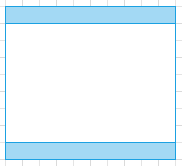
Default template
The default template contains the main footer and navigation elements. It is typically only directly used for home pages, but provides the base template for most other MU pages.
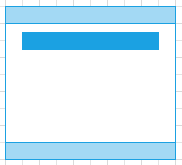
Landing page template
The landing page template is based on the default template and adds the title banner element (which automatically displays the title of the page). It is a full width template used, as the name suggests, primarily for landing pages as well as for specialised content (e.g. news articles).
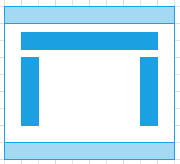
Content page template
The content page template includes the page title banner and also adds in the left hand menu and a right hand 'pod' area for supplementary content. This template is used for text-focused pages where the narrower content width aids readability.